Native CSV import
How to track your DeGiro portfolio
Import your DeGiro trades from the transactions CSV: the ticker is resolved by ISIN and positions and lots (with fees) are created automatically.
- 1
Export the CSV
Download the transactions report from your DeGiro account.
- 2
Upload it to Finzolio
In Import (PRO), pick your broker and upload the file. The ticker is resolved by ISIN.
- 3
Review positions and lots
Your positions and lots with fees are created automatically, with no duplicates on re-import.
- 4
Measure your real return
Get your inflation-net XIRR, dividends and taxes instantly.
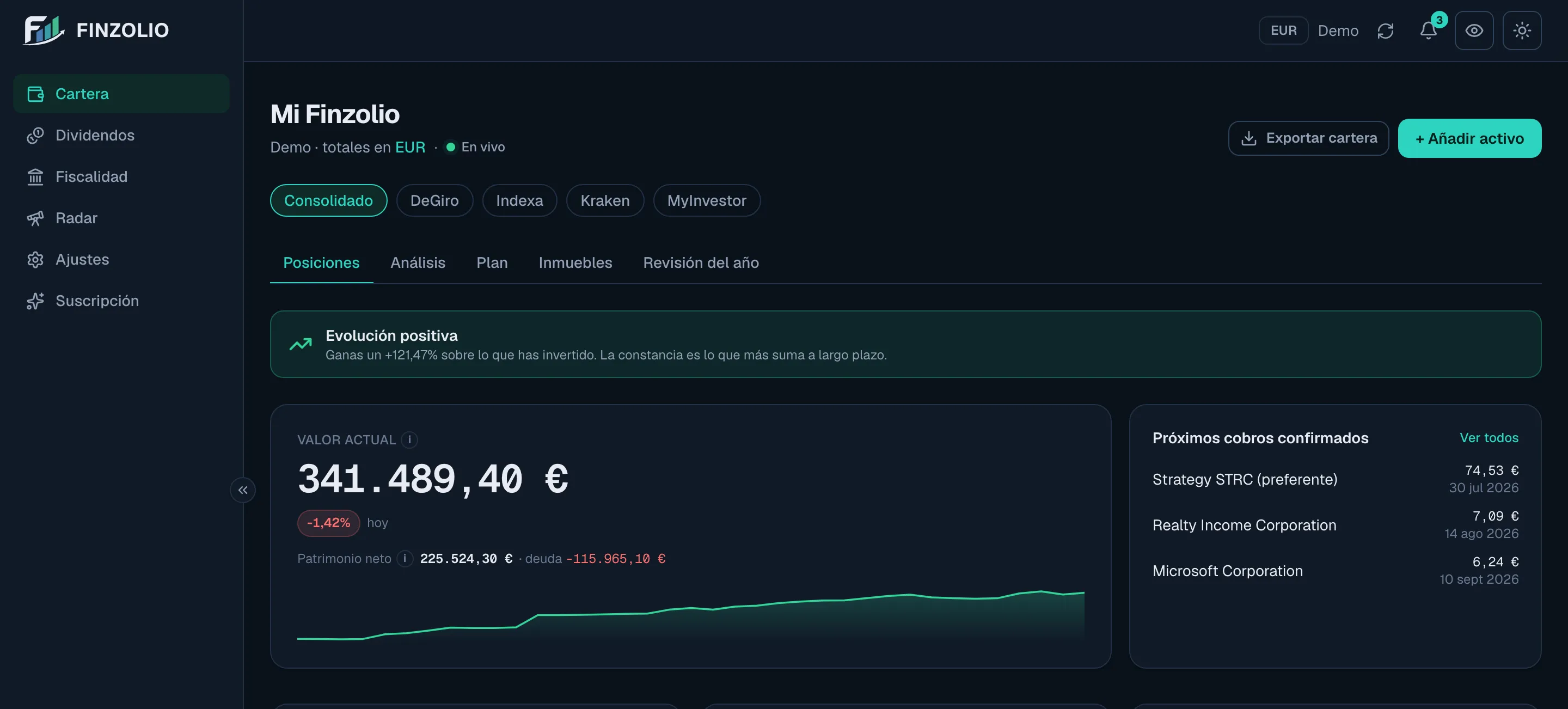
Here it is in the app
Your DeGiro portfolio consolidated with the rest in your base currency, with real return, dividends and taxes.
Start measuring your portfolio properly
Your portfolio, your dividends and your taxes, consolidated from day one. No card, no commitment.
Create a free accountNo card · Free plan, permanently